Open your profile
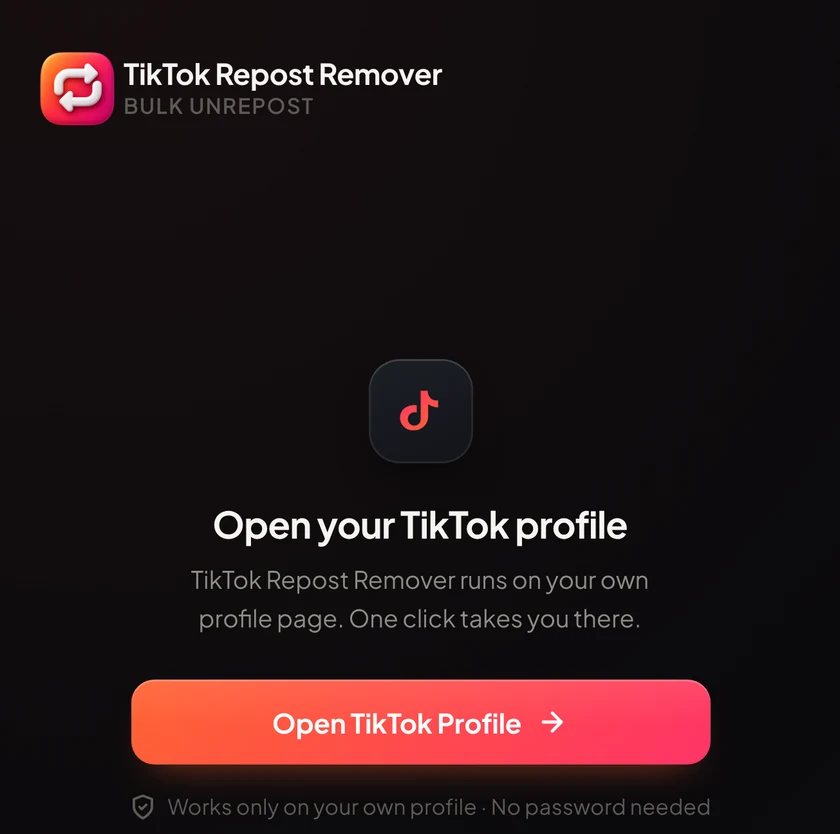
Press Open TikTok Profile. The extension works on your own profile page.
Chrome extensionFree to start · No password needed
TikTok Repost Remover clears your reposts in bulk, right from your own profile. Press one button, watch the progress, and stop whenever you like.
Works on Chrome, Edge and Brave · 6 free removals every day
There is nothing to set up and nothing to log in to. Open your profile, press one button and let it run.
Press Open TikTok Profile. The extension works on your own profile page.
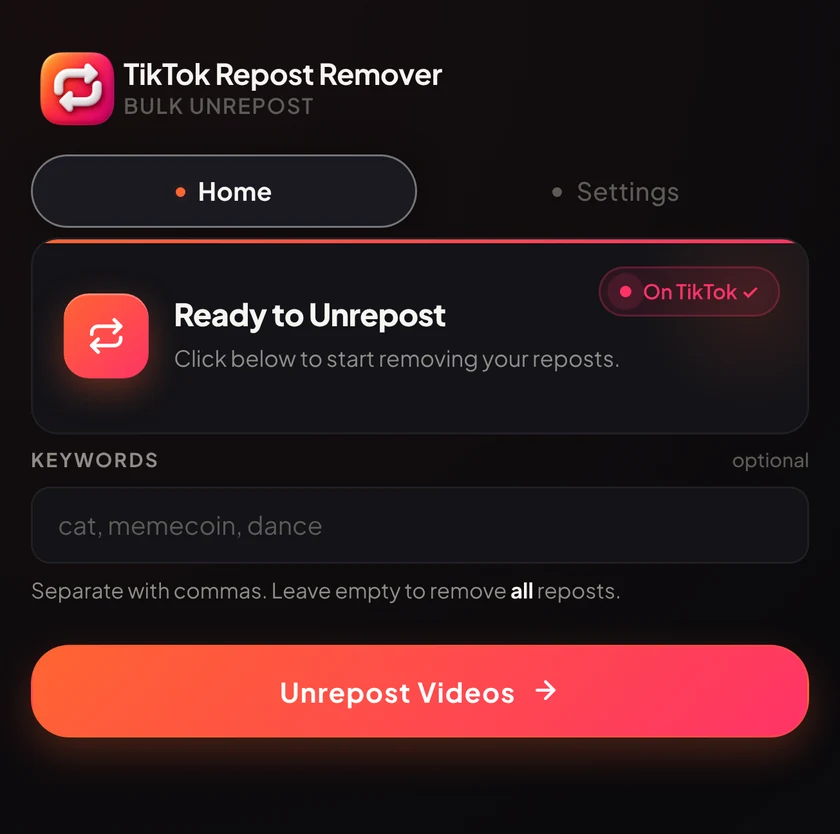
Add keywords to remove only matching reposts, or leave the field empty to remove all of them.
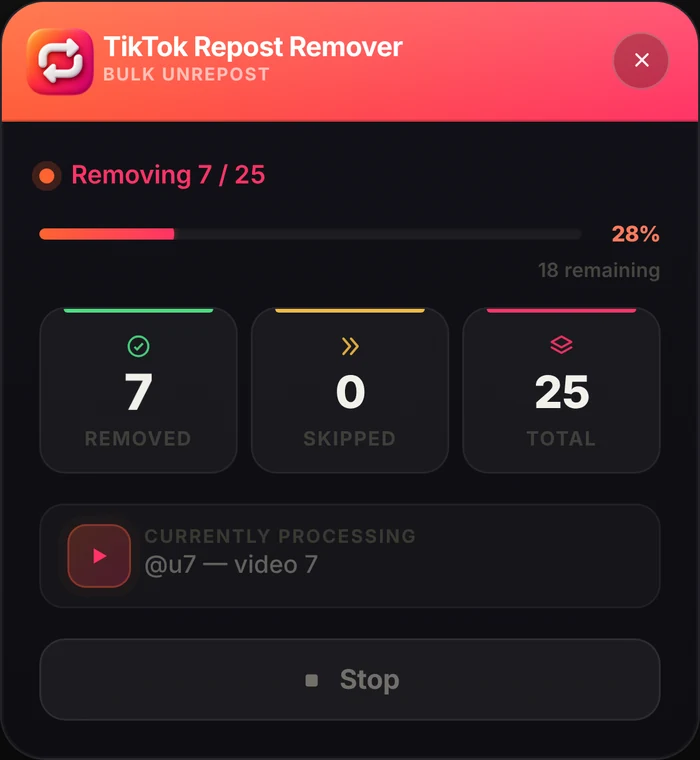
A live panel counts every removal. Press Stop any time and export a report when it finishes.
Simple controls that do exactly what they say.
Press one button and the extension removes your reposted videos one by one. No scrolling and no tapping.
Type keywords such as cat or dance and only matching reposts are removed. Leave it empty to remove them all.
Fast removes reposts directly. Safe opens each video and clicks Unrepost the way a person would.
A small panel on your TikTok page shows what was removed, skipped and left. Press Stop at any time.
Slow (5 s), Medium (3 s) or Fast (1 s) between removals. You decide how quickly it goes.
Long runs pause every 150 removals to keep things gentle. You can change it or turn it off.
Save a list of what was removed as CSV, JSON or Excel when you finish.
No password needed. It works in your own signed-in tab, on your own profile only.
Try it with 6 free removals every day. Go Pro to remove the daily limit.
No card needed
Billed monthly through Gumroad
Prices in US dollars. Secure checkout with Gumroad. 7-day refund if we can’t fix a technical issue. Refund Policy
The extension does what you would do by hand: it removes reposts one at a time in your own signed-in session, at a pace you choose (Slow, Medium or Fast, in Fast or Safe mode). No tool can promise how TikTok will react. If TikTok restricts your account, the extension stops, tells you, and asks you to wait a few hours. Videos already removed stay removed.
No. The extension never asks for your TikTok username or password. It works inside the browser tab where you are already signed in, and it runs only on your own profile.
Yes, that is what it is built for. Free includes 6 removals per day, resetting 24 hours after you start. Pro removes the daily limit so you can clear a long list in one run, with a cooldown that pauses every 150 removals.
Yes. Type comma-separated keywords, for example cat, memecoin, dance, and only reposts that match are removed. Leave the field empty to remove all reposts.
Fast mode removes reposts with a direct API call, so it is the quickest. Safe mode opens each video and clicks Unrepost the way a person would, which is gentler. You can switch in the popup settings, and both modes support all three speeds.
Buy Pro on Gumroad and you receive a license key. Paste it into the extension popup and press Activate. One license key works on one device. You can cancel from your Gumroad receipt at any time.
Chromium-based desktop browsers: Google Chrome, Microsoft Edge and Brave. Firefox and Safari are not supported at the moment.
Yes. Press Stop and removal halts straight away. You can start again later and it carries on with what is left.
No. We do not collect your TikTok data, run analytics or ads in the extension, or sell data. Your settings stay on your device. The only outside request is the Pro license check with Gumroad. Read the Privacy Policy.

Install the extension, open your profile and press Unrepost Videos. Your first 6 removals today are free.